

Magic Mockup Maker
Drop in your design. Done.
a product photoshoot, without the productYou put real time into your patterns. Getting them to look the part shouldn't take another hour of your day.
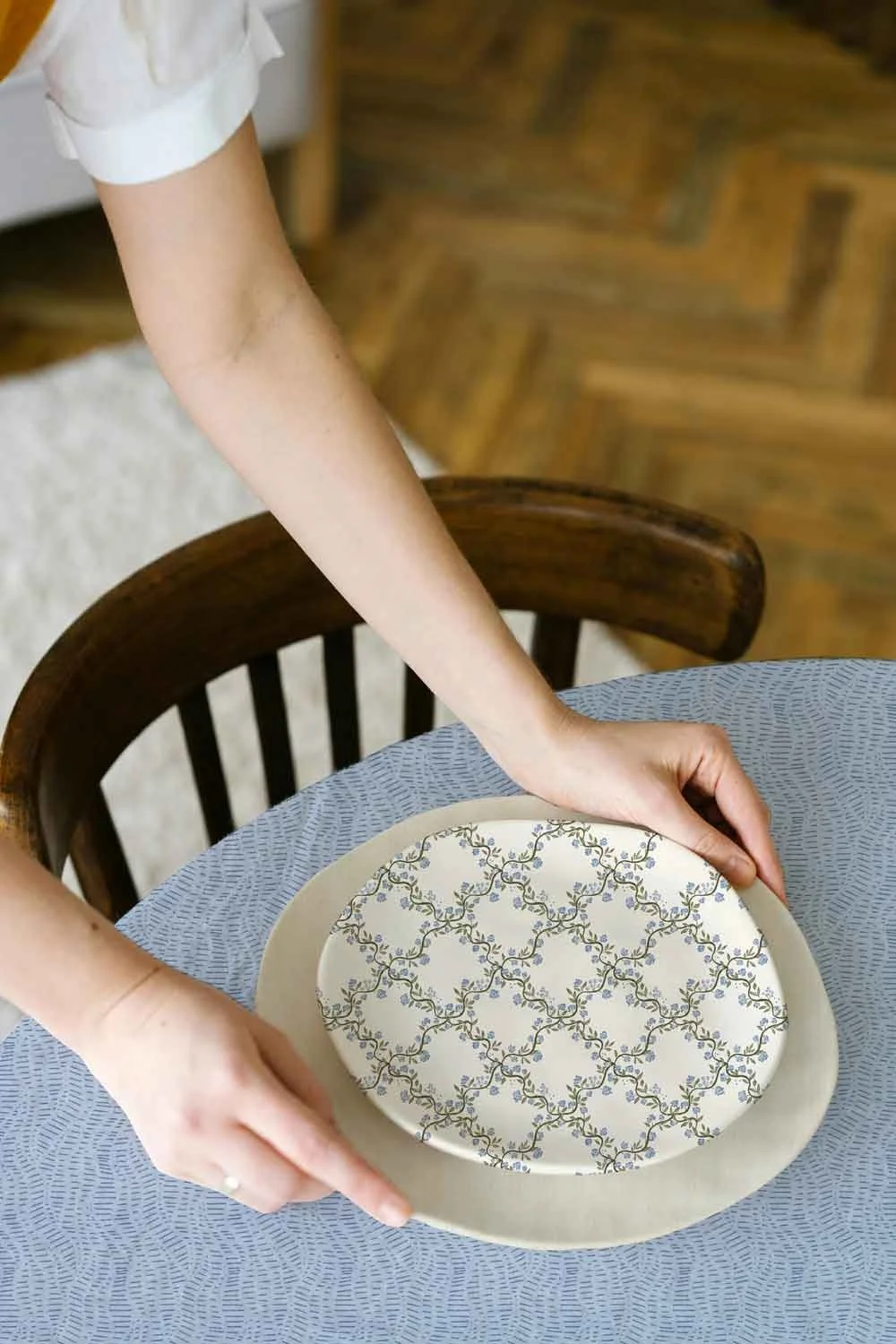
On screen your design looks flat, on a mockup it becomes a possibility. It’s how a brand can see what your design could become. And how you catch the design that looked amazing flat but needs tweaking to work on a product.
That is why mockups matter, but they are time consuming and techy. The right layer can be hard to find, scale hard to change, and if you create on an iPad getting it to repeat across the mockup without photoshop is a real pain.
Magic Mockup Maker skips all of that.
Upload your design, and it builds the mockup for you. Adjust the scale, drag to reposition, and download. Ready to post, pin, or save. That's it.
HOW IT WORKS
1. Upload your design Drag or paste in your pattern tile, PNG or JPG. Works with anything you've created, in any app.
2. Adjust and preview Scale, reposition, and choose your mockup. See exactly how it'll look before you download.
3. Download and share Grab your mockup, Pinterest pin, or Instagram post, formatted and ready to go.
Video is in real time. Mockups are created instantly. 65+ mockups to choose from. You can try it yourself below!
Need a whole set? Meet my Multi Mockup Maker.
p.s this was filmed in real time xx
Upload one pattern and apply it to 35+ mockups at once. The whole set is ready to download in under a minute, instead of building each one by hand. It's the fastest way to see a single design across a whole range of products.
If a single mockup takes about fifteen minutes, a full set could eat your whole afternoon.
My Multi Maker does 35+ mockups in under a minute.
(65+ total mockups in the membership with new ones added every month)





Magic Mockup Maker is for you if:
You want mockups that look professional without needing to learn Photoshop or wrangle layers
You create on your iPad and want a workflow that actually fits how you work
You want to show your patterns in context without spending your whole afternoon on it
You want to create scroll-stopping Pinterest pins and Instagram posts without spending hours putting them together, drop in your design, grab your mockup, and you're ready to pin
You want to be part of something built with designers, not just for them
You want real photo mockups!
Try it yourself, it takes about ten seconds.
Upload your pattern tile
Drag and drop, click to browse, or paste (⌘V / Ctrl+V) — PNG or JPG
You can also drag and drop a new image onto the mockup to swap it out without resetting your pin and Instagram settings.
Get two months free on the annual subscription!
Hear from my members
“The mockup magic is an amazing idea, thank you for it. This is what I need exactly. I hate going back and forth with Illustrator and photoshop to just create posts, or canva....that is why I am behind with my socials.”
“Thank you for building this tool, im excited to use it. I spend way to much time fiddling with mockups!!”
“this literally came at the perfect moment. Thank you for making it so much easier to get cute mockups for Pinterest pins, super easy to make and download!”
“I love that this mock-up generator exists, I'd been looking for something like this for awhile.”
“Just really excited to save time on mock ups, and good mock ups! Thank you!”
“I'm really excited to be here! Thank you for putting this membership together! I'm looking forward to using it and it working with me for my business!”
“Thank you for creating this tool - I was wasting money on Photoshop and then purchasing additional mockups that were taking me forever!”
“Just super excited to see what awesomeness you create! This mockup maker is AWESOME, I see myself using it ALL the time!”
“I love the mockups and the Pinterest post tool. So good! I am so excited about this tool.”
-
Will it work with my designs?
Yes, upload any PNG or JPG. It doesn't matter whether you use Procreate, Illustrator, Photoshop, or anything else. If you can export a file, it works.
-
Do I need any design software?
None. Magic Mockup Maker is completely browser-based. No installs, no software, no layers to navigate. If you can drag a file, you can use this.
-
What if the mockups I need aren't there yet?
You can always request the types of mockups you are looking for if they are not already in the membership!
-
Is the pricing really locked in?
Yes. Your pricing is locked in as long as your membership stays active. When pricing increases, you'll stay at your original rate.
Your patterns deserve to be seen! Let's make that easier.
Your pricing is locked in while you remain a member.
Cancel anytime. You'll keep full access until your billing cycle ends.

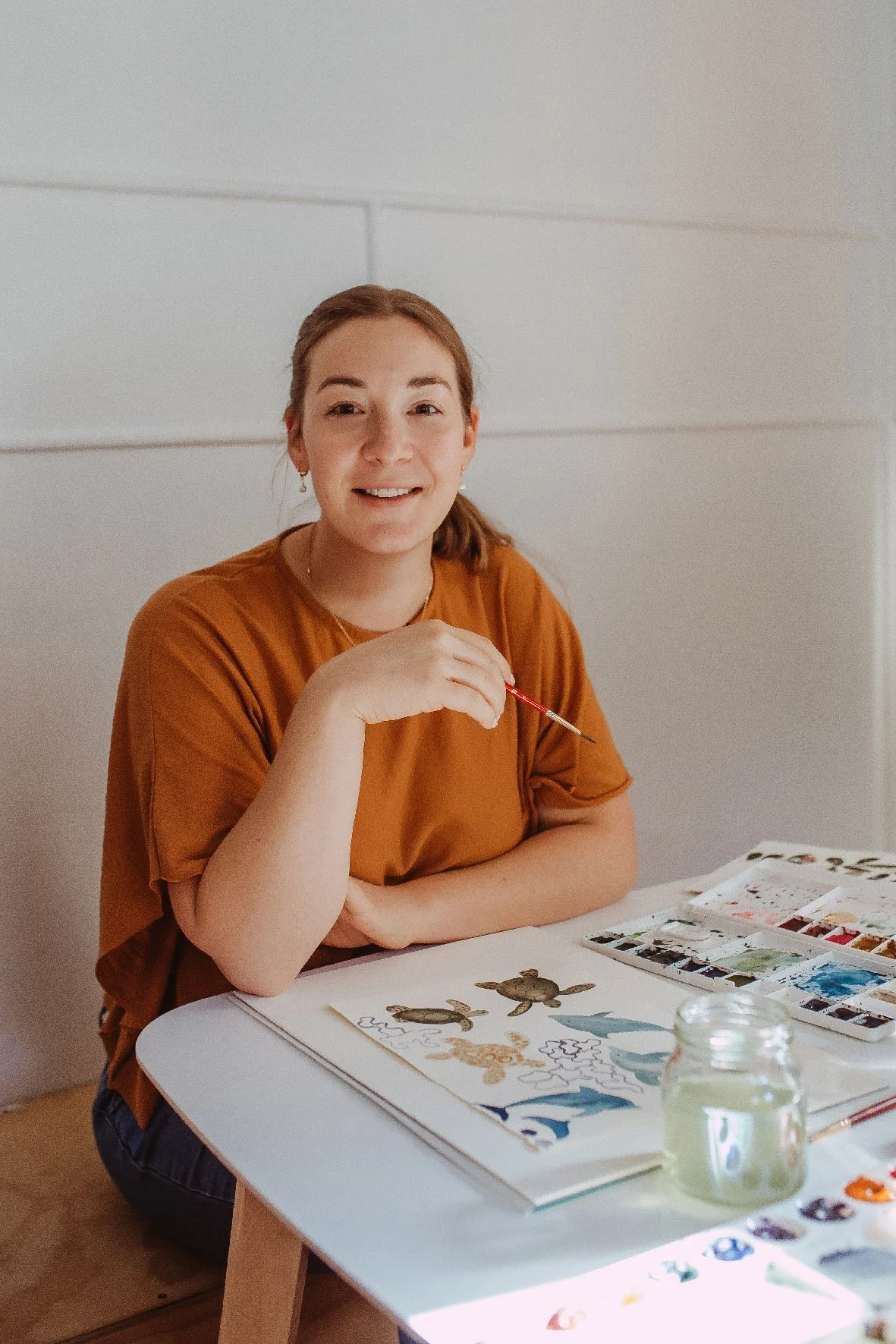
I'm Ashleigh, a surface pattern designer based near Wellington, New Zealand, with 100+ licensed patterns with brands including RJR Fabrics, Studio Oh, and Alice & Ames. I built Magic Mockup Maker because I wanted a faster, simpler way to show my own patterns in context, and because I know if you’re like me, you're creating on your iPad at school pick-up time, not at a desktop with Photoshop open.
This tool is built for how we actually work.
xx Ashleigh
What’s inside…
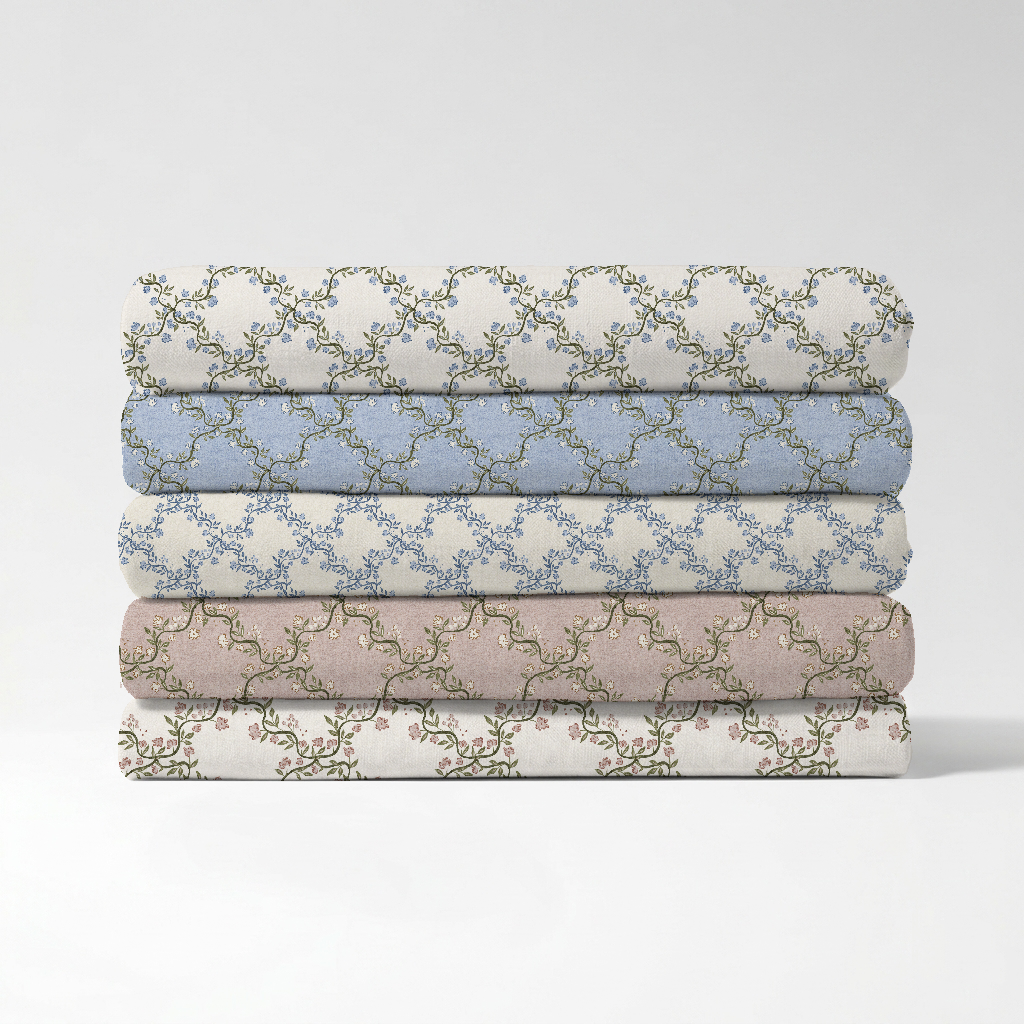
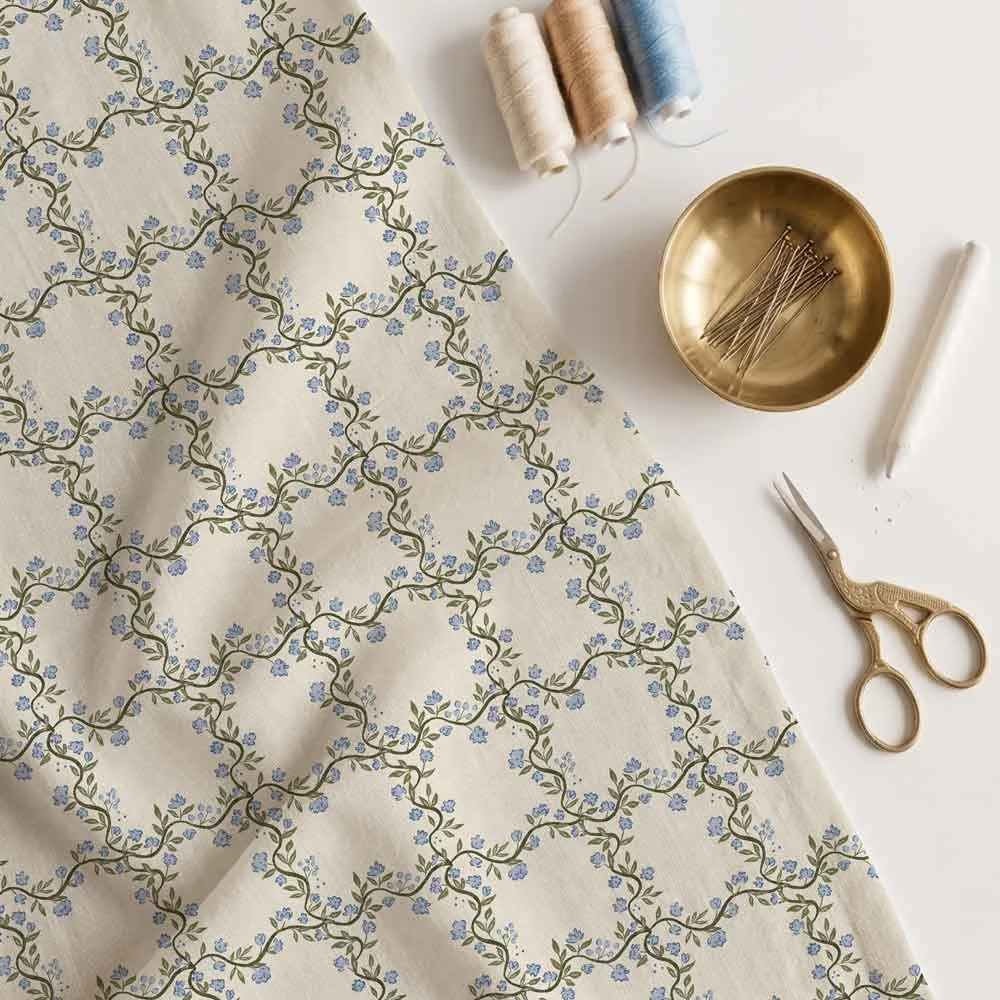
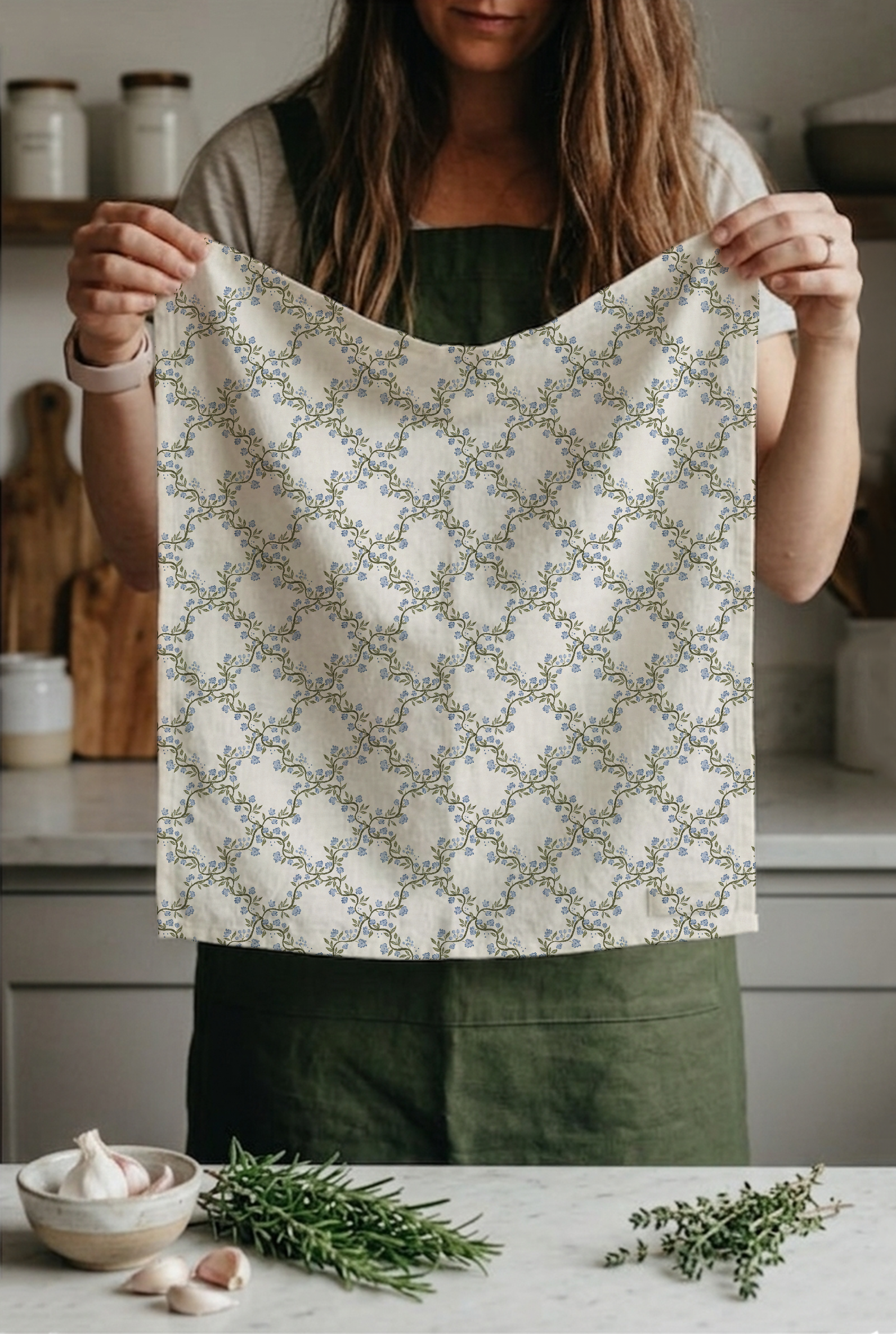
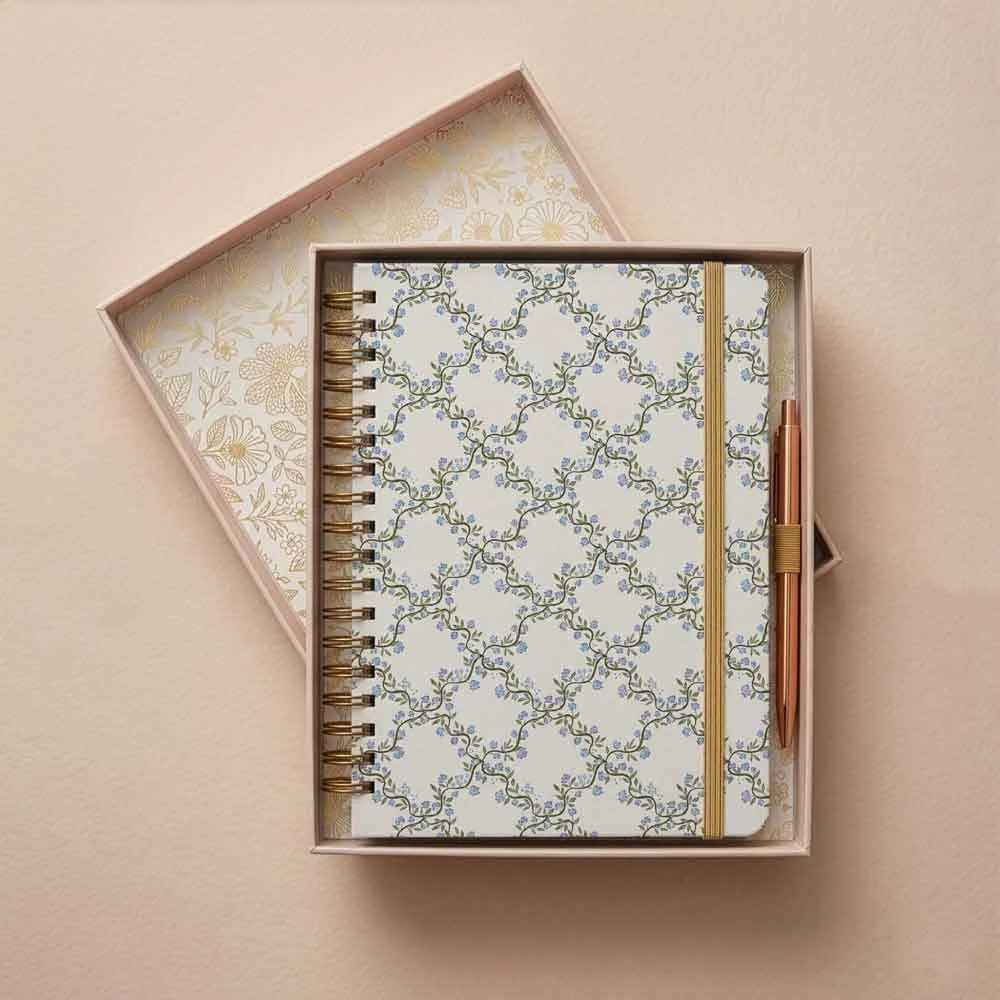
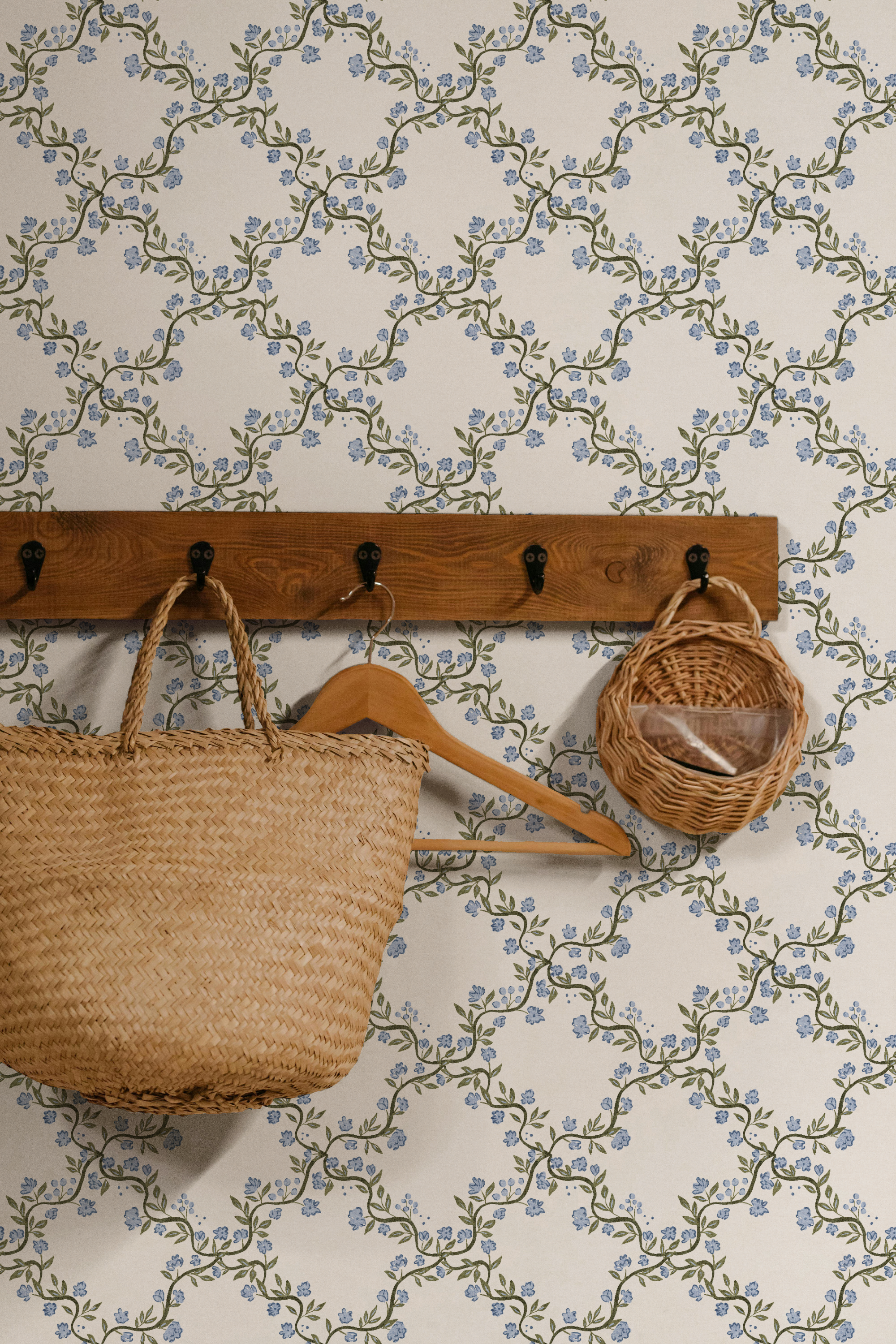
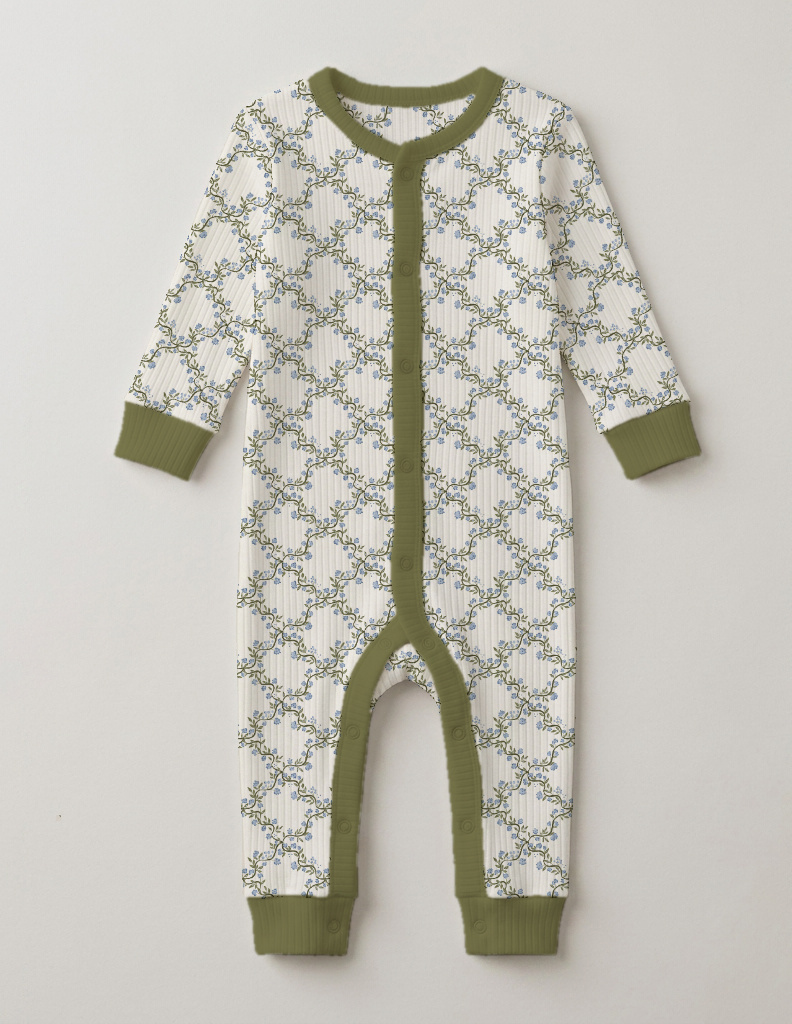
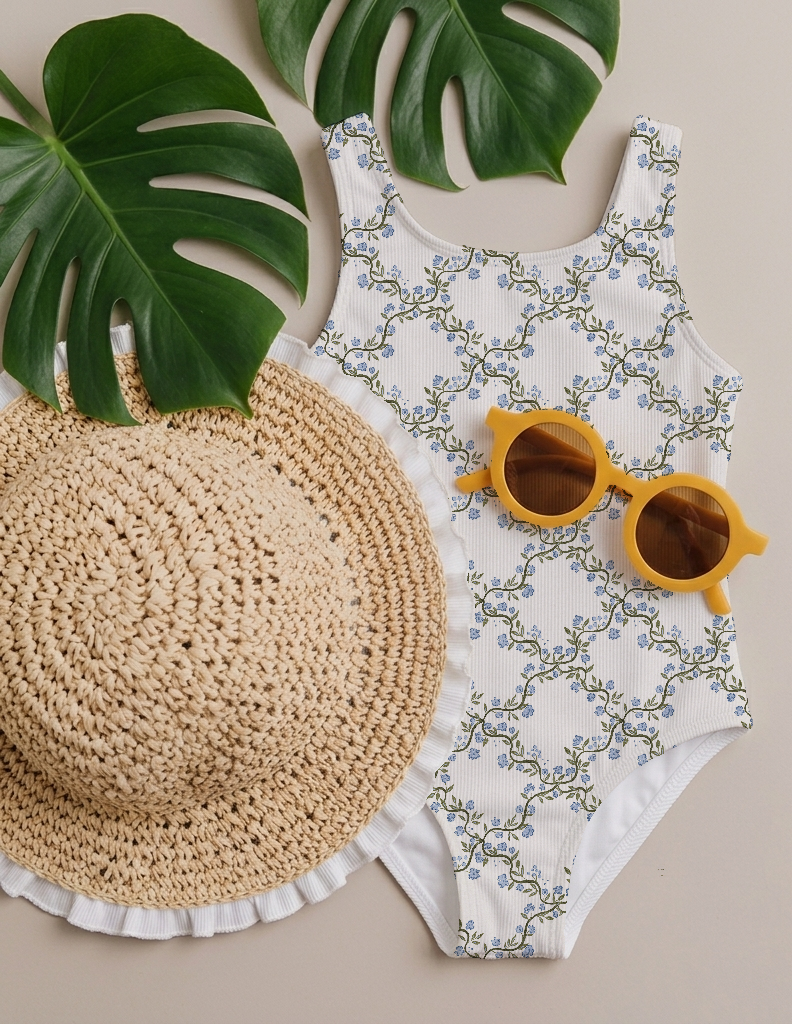
65+ mockups, with new ones added every month, based on what members actually ask for.
-
![]()
-
![]()
-
![]()
-
![]()
-
![]()
-
![]()
-
![]()
-
![]()
-
![]()
New List Item
-
![]()
New List Item
-
![]()
New List Item
-
![]()
New List Item




-
- 01 -
Pinterest pro graphic tool
Turn a mockup, pattern, or image into a Pinterest pin in seconds, formatted and ready to post. -
- 02 -
Sell sheet tool
Present a whole collection on one clean sheet. Handy for sharing on social or pitching to brands. -
- 03 -
Recolour tool
Create new colourways of your design straight away, a little like the recolour tool in Illustrator, so you can see it in more colours without starting again.
-
- 04 -
Repeat checker
Check your pattern repeats really well, see it at scale, and export it at different sizes. -
- 05 -
Focus timer
A Pomodoro-style timer to help you get your marketing done in a short, focused block. -
- 06 -
Pitching and licensing tracker
Keep track of what you've pitched and licensed, where you've posted each design, and the income each one brings in. This one's still being built out too, so you get to use it and tell me what would make it better.