Meet Magic Mockup Maker: The Tool I Built So I Could Spend More Time Drawing
If you're a surface pattern designer, you'll know that the drawing part is the fun part. The choosing colourways, putting a repeat together, watching it tile, that's what most of us got into this for.
The marketing side? That's the part nobody warns you about. In this post I'm sharing the tool I built to speed up one of the most time-consuming parts of the marketing workflow: creating mockups, Pinterest pins, and Instagram content after every new collection.
The part nobody talks about
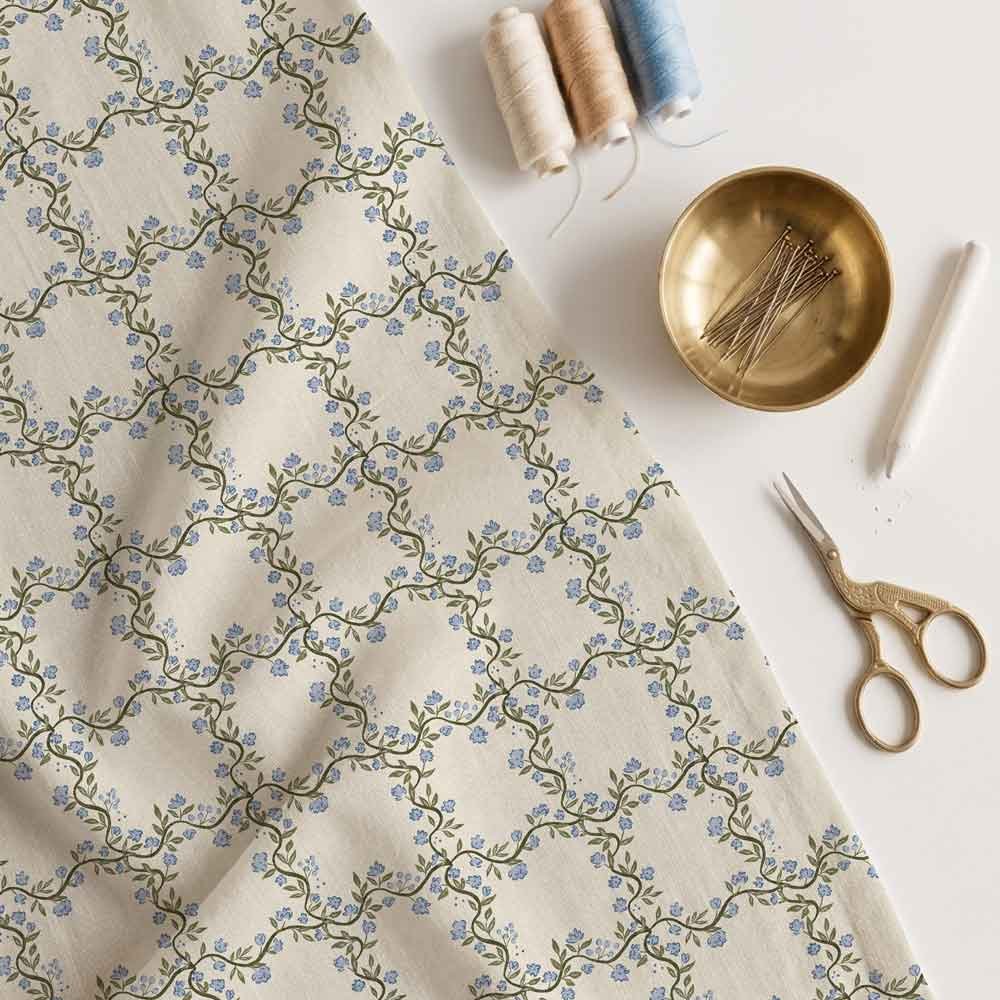
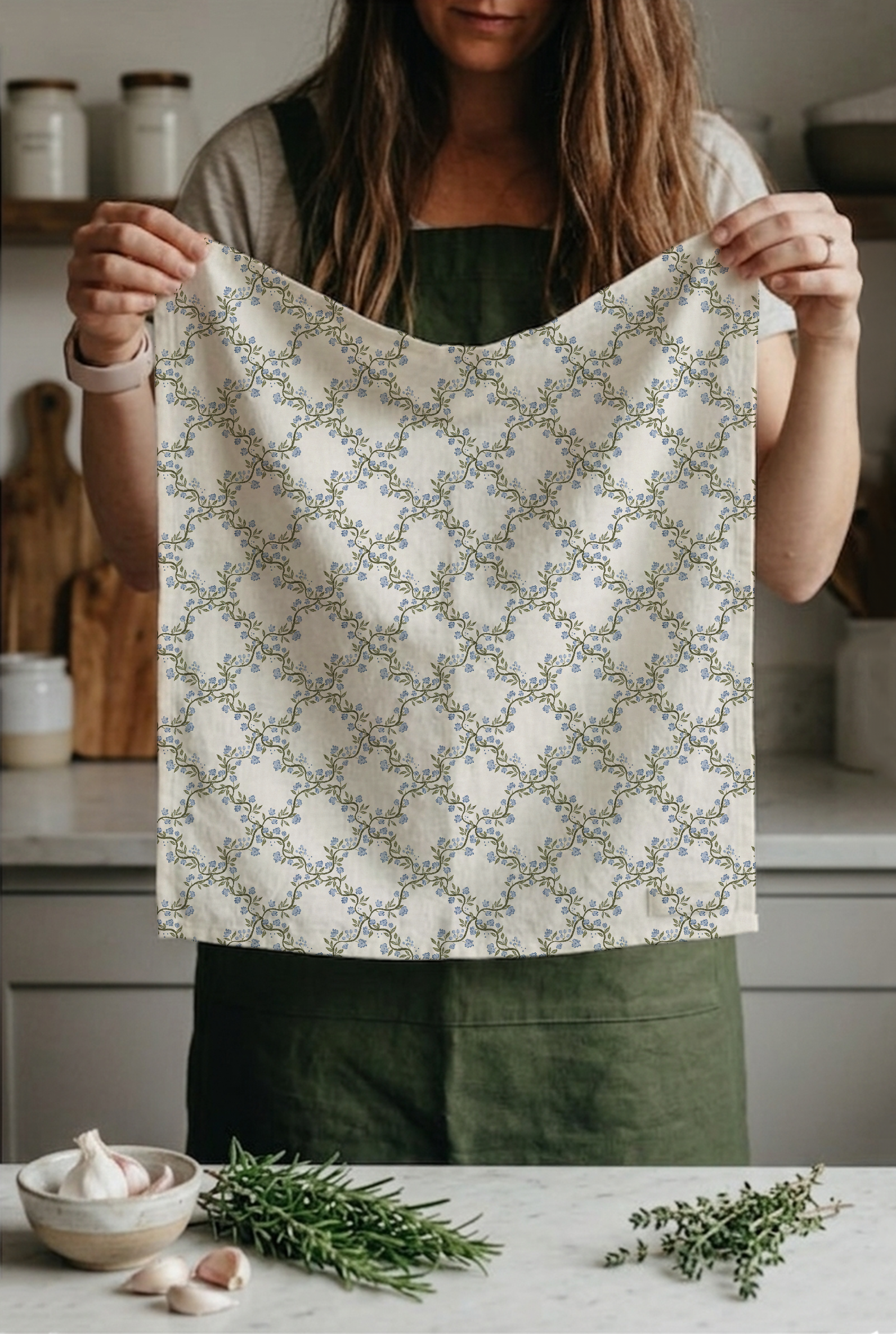
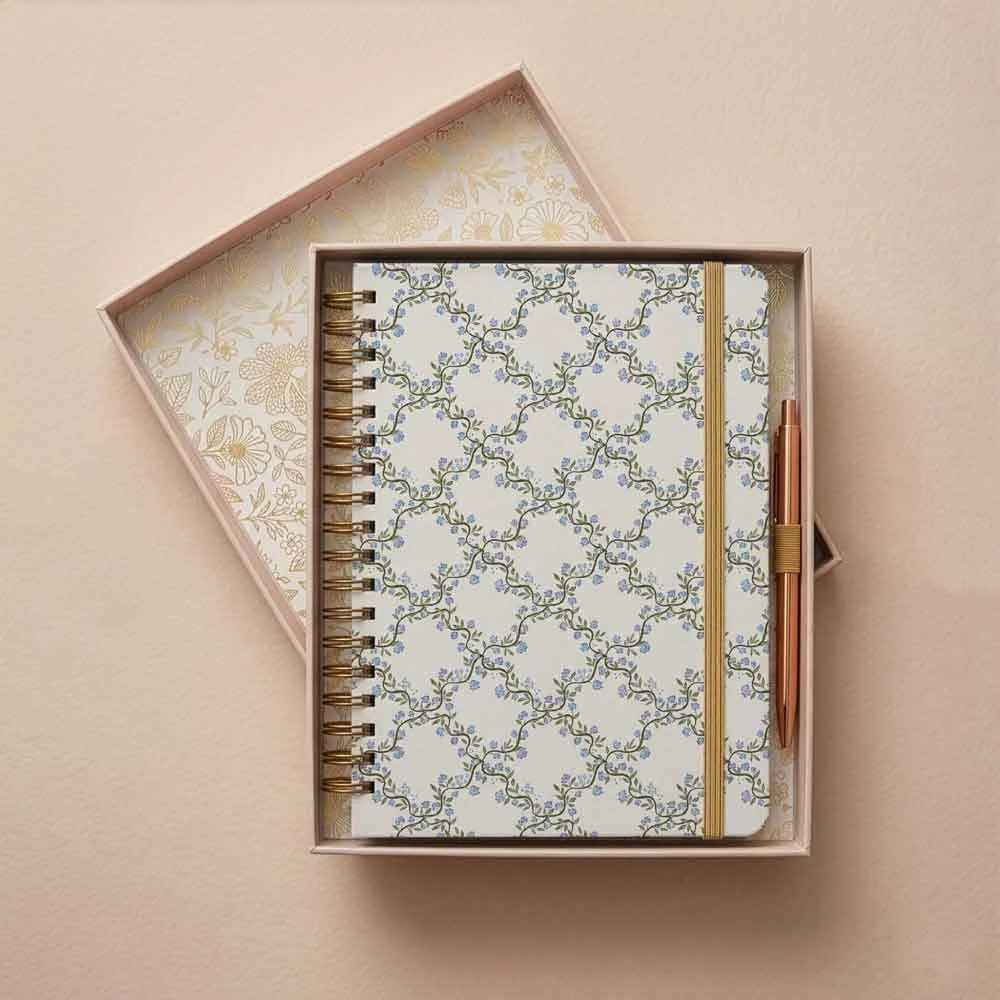
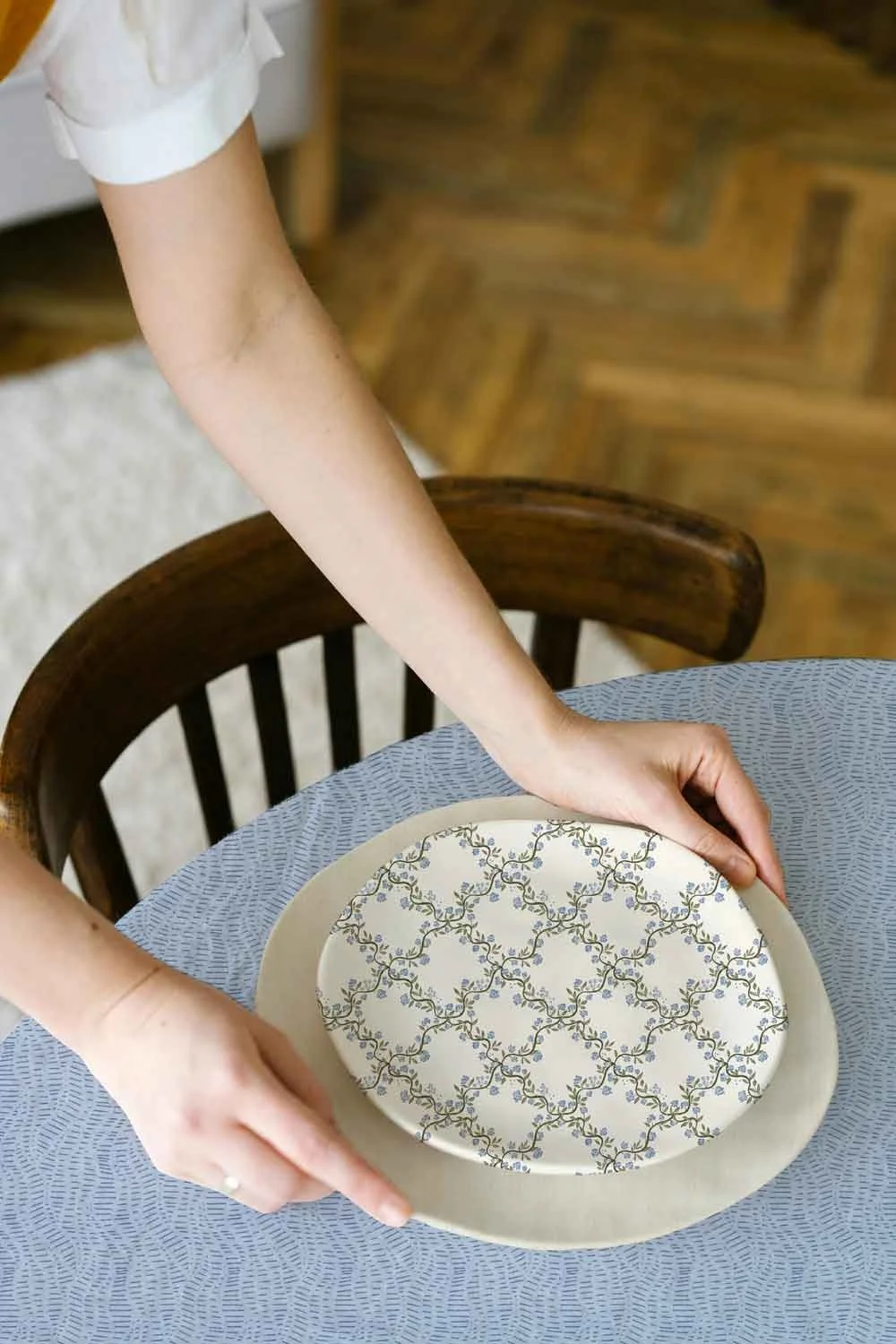
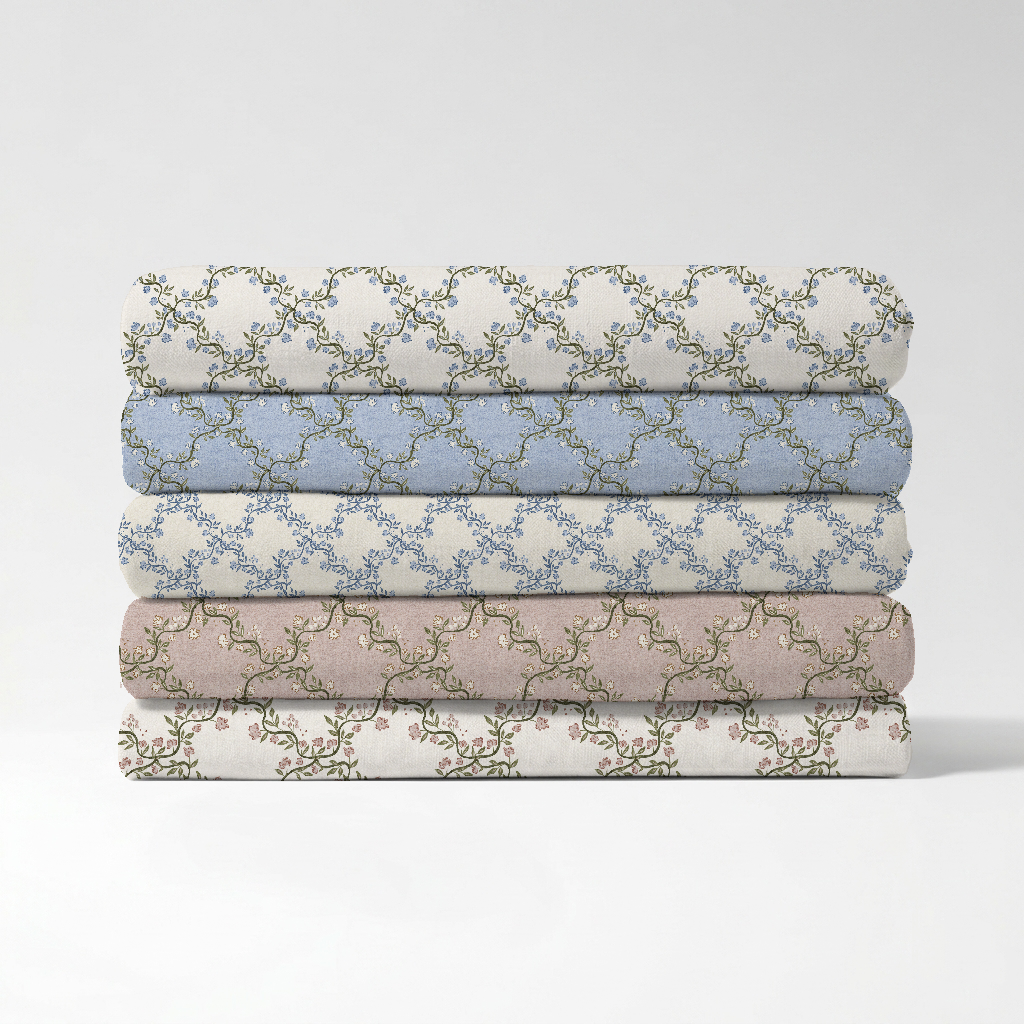
When you finish creating a new pattern or collection, the work isn't actually finished. You need mockups that show the design in context, on a product, in a real setting, because a flat repeat tile isn’t always enough to stop someone mid-scroll or catch an art director's eye. You need Pinterest pin graphics in the right format. You need Instagram posts. You need content for your portfolio. Every single time I finished a new collection, I'd sit down to do all of this and it would take hours. Hours I could have spent drawing. And I have over 100 licensed patterns now, so I've sat through that process a lot of times. At some point I thought: this shouldn't be this slow. So I built a tool to speed it up.
Why this is especially hard if you work on your iPad
A lot of surface pattern designers create on their iPads. It's intuitive, it's portable, it fits into the stolen pockets of time that creative life usually involves. Procreate on an iPad at school pick-up time is very different to Photoshop on a desktop at a proper desk with proper time set aside. The problem is that the traditional mockup workflow was designed for the latter, not the former. If you use Photoshop and know it well, mockups are manageable. Still time-consuming, but manageable. If you don't know Photoshop well, or you don't have a desktop, or you genuinely just don't want to have to learn a whole separate piece of software just to put your pattern on a product image, the traditional workflow is a wall. And even if you do have Photoshop and use it regularly, Magic Mockup Maker is still faster. That's the benchmark I built it against.
What Magic Mockup Maker does
Magic Mockup Maker is completely browser-based. No software to install. No desktop required. No layers to navigate. If you can drag a file or copy paste, you can use it. I'll be honest, I mostly work in Illustrator and Photoshop myself, and I still use this tool because it's faster than doing it the traditional way. But I also built it specifically with iPad designers in mind. If you create in Procreate, Affinity Designer, or any other iPad app, you don't need to export a file at all. You can copy your tile directly inside your app and paste it straight into Magic Mockup Maker. No exporting, no file management, no switching between your iPad and a desktop. Copy, paste, done.
Here's how the process works:
Step 1: Upload your design or paste it straight in. Drop in any PNG or JPG, or copy your tile in Procreate or Affinity and paste it directly in. No file needed.
Step 2: Adjust and preview. Scale your pattern, drag to reposition, and choose your mockup. You can see exactly how it will look before you download anything.
Step 3: Download and share. Your mockup is ready. So is your Pinterest pin graphic. So is your Instagram post. All formatted, all sized correctly, ready to upload.
What used to take an afternoon now takes a few seconds per design (less than 10 to upload, scale and download, I timed it).
What this means for your workflow
Think about what you could do with the time you'd get back. If a new collection has eight designs, and each one used to take you 20 minutes to create mockup and content for, that's over two and a half hours. Two and a half hours you could have spent drawing the next collection. Speed up that process to five minutes per design and you've saved yourself two hours every single time you launch new work. That's not a small thing when you're fitting your creative business into school hours, nap times, or evenings after your day job. Every hour matters. Magic Mockup Maker gives some of them back.
How to use your mockups once you have them
Once you've created your mockups and downloaded your pin graphics, the workflow from there is simple. Upload to Pinterest with a keyword-rich description linking back to your portfolio or website. Share your Instagram post. Add your mockup images to your portfolio so art directors can see your designs in context. If you're pitching to brands, your mockup images are what make your designs feel real and licensable rather than just files in a folder. If you want to go further with your Pinterest strategy and really use it to attract licensing enquiries, my Pinterest Workshop covers exactly how I do that. The free Pin Generator is also worth bookmarking, it works beautifully alongside Magic Mockup Maker.



A few surprise extras worth mentioning
Beyond the mockups, pins, and Instagram posts, there are a couple of bonus tools inside Magic Mockup Maker that I think artists will find genuinely useful. There's a repeat pattern checker, which lets you check your tile is repeating correctly before you do anything else with it. Catching a repeat issue at this stage rather than after you've already created all your content is a small thing that saves a lot of frustration. There's also a scale visualisation tool, so you can see how your design reads at different sizes before you commit to a mockup. Scale makes an enormous difference to how a pattern reads on a product, and being able to visualise that quickly is something I wish I'd had earlier in my career.
Who Magic Mockup Maker is for
It's for you if you create on your iPad and want a workflow that actually fits how you work.
It's for you if you don't have Photoshop, don't want Photoshop, or have Photoshop but know there has to be a faster way.
It's for you if finishing a new collection used to feel exciting right up until you sat down to create all the marketing content for it. You put real time into your patterns. The part where you show them to the world should not take as long as the part where you made them.
Join the Magic Mockup Maker Membership!
New mockups and tools are added every month. Works on any browser, any device. No desktop, no Adobe Suite, no design experience required.
More time drawing. Less time on the faff. That's what this is for.
Ashleigh xx
Frequently asked questions
Does Magic Mockup Maker work on iPad and mobile?
Yes. Magic Mockup Maker works on any device including iPad and mobile as it is completely browser-based with nothing to install. If you create in Procreate or Affinity on your iPad, you can copy your tile directly in your app and paste it straight in without exporting a file or switching to a desktop.
How many mockups are available right now?
Magic Mockup Maker launched in April 2026 with a small starter library of mockups. New mockups and tools are added every month, so the library grows over time. The earlier you join, the lower the price you lock in as the membership price grows along with the library.
Do I need design software or technical experience to use it?
None at all. Magic Mockup Maker was built so you don't need Photoshop, Illustrator, or any other design software. Upload or paste your design, adjust the scale, and download. If you can use a browser, you can use Magic Mockup Maker.